
You've got a Pop.
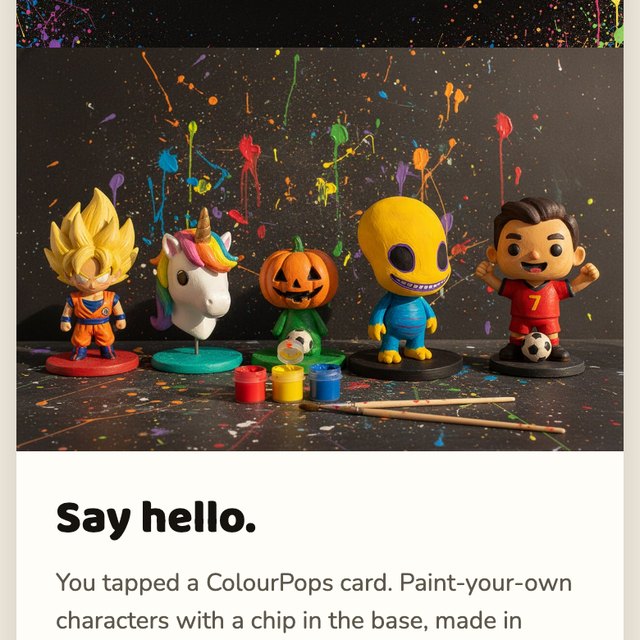
It arrives white. Here is the whole thing in four pictures.
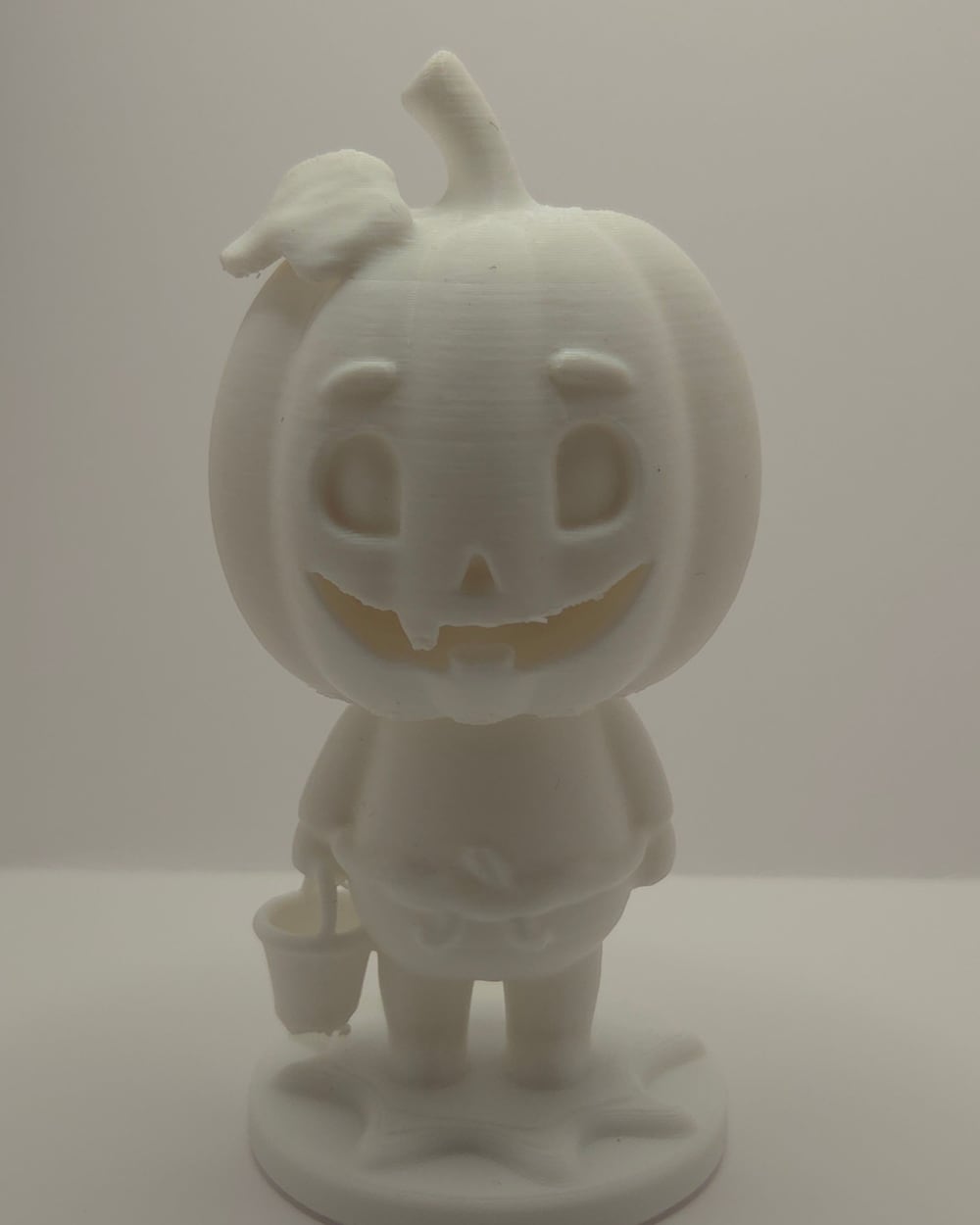
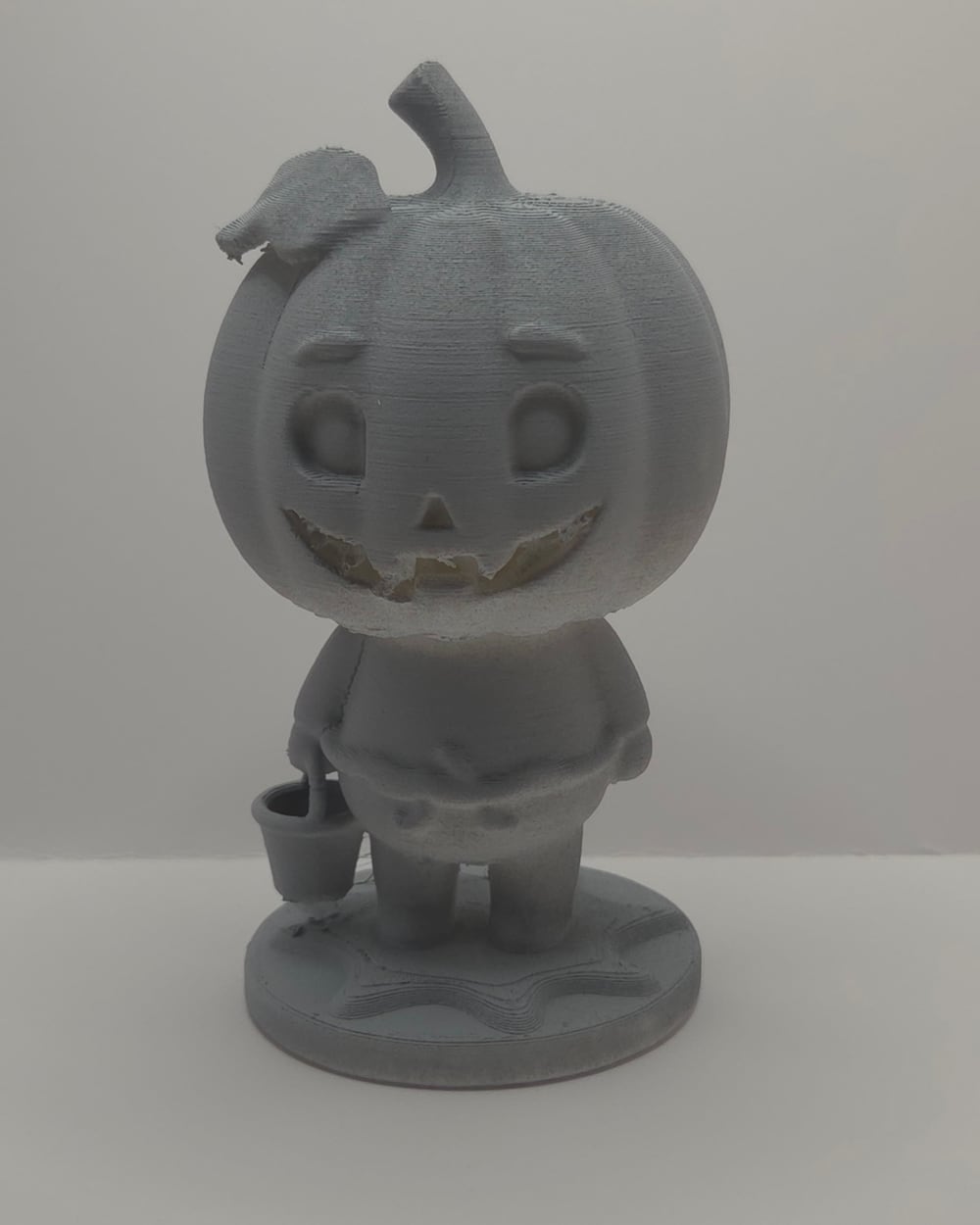
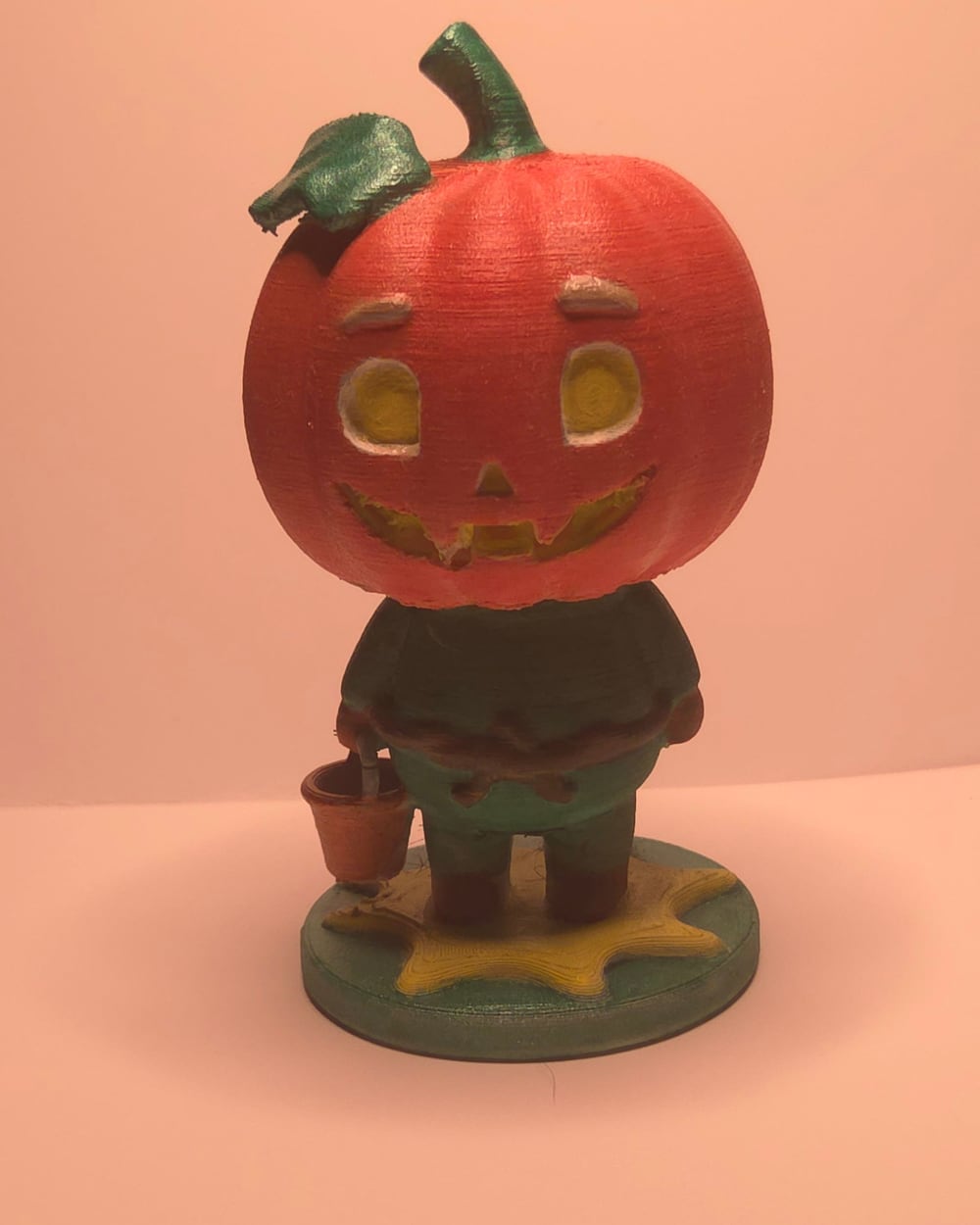
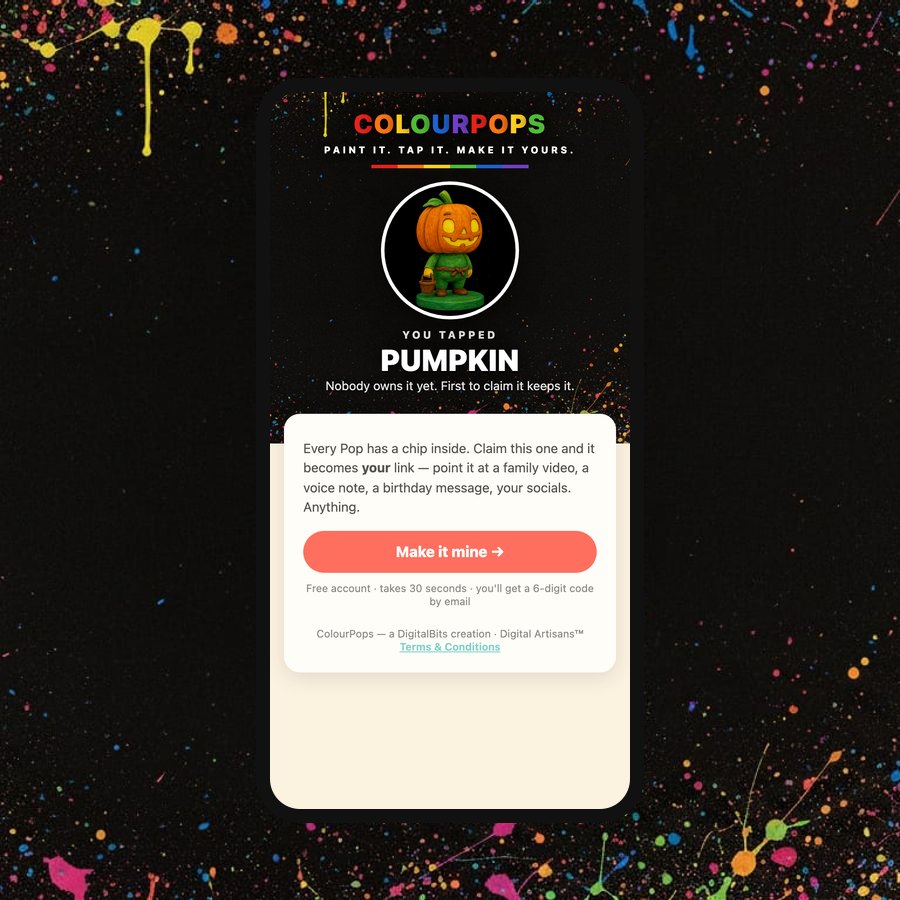
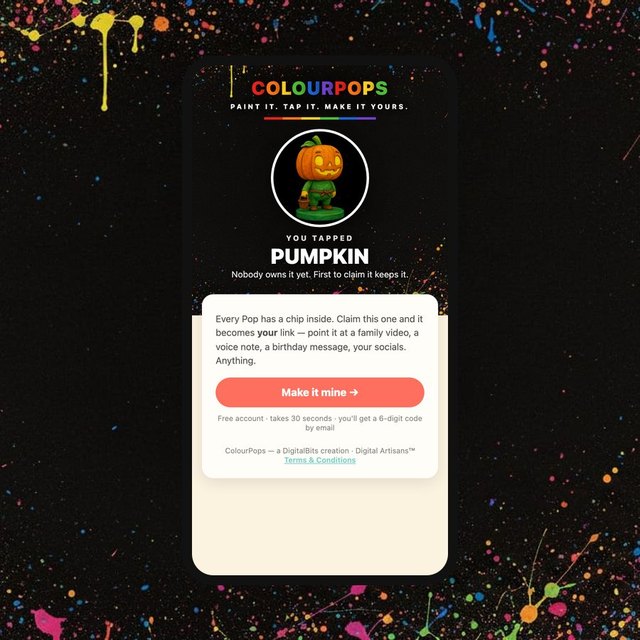
Tap it. Its page opens.
- 1Hold the base of your Pop to the back of any phone. Android or iPhone, nothing to install.
- 2Tap Make it mine and sign in with your email or number. That locks the Pop to you.
- 3Point it at anything you love. A video, your socials, a photo album, or your business card — every ColourPops can be one, with 65 looks to choose from. Change it whenever you like.
Four Pops, four taps, four different places. You choose where yours goes.
The Pop stays yours. The page behind it can be anything.
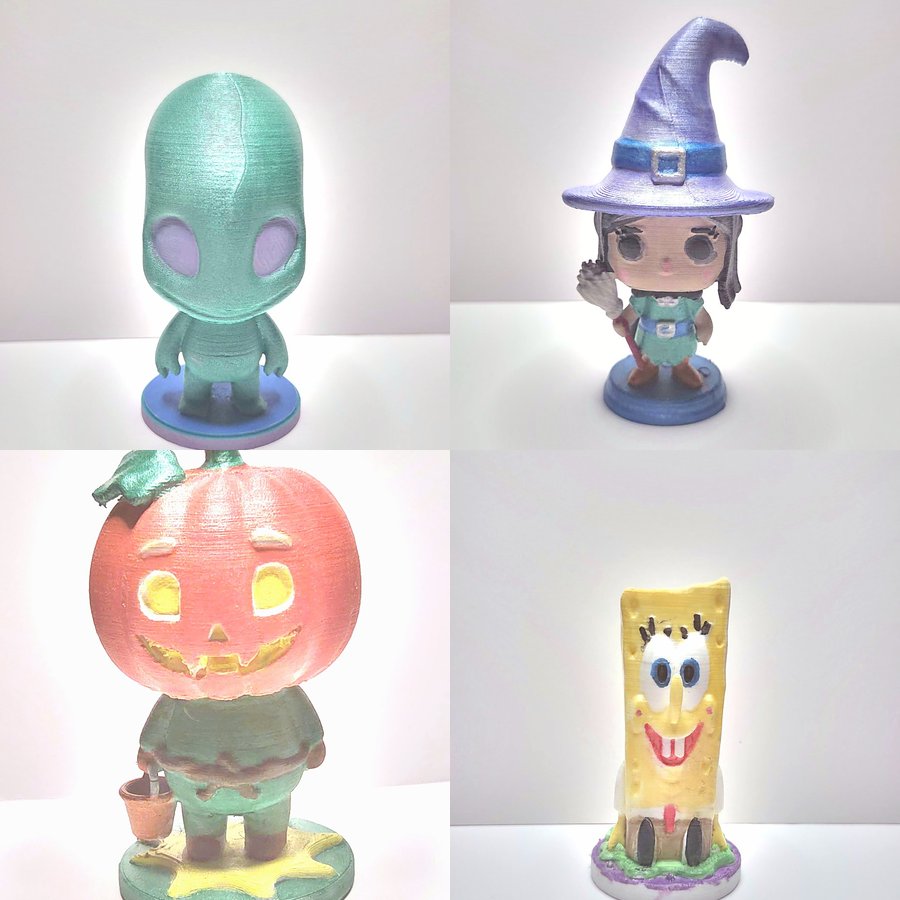 A photo gallery
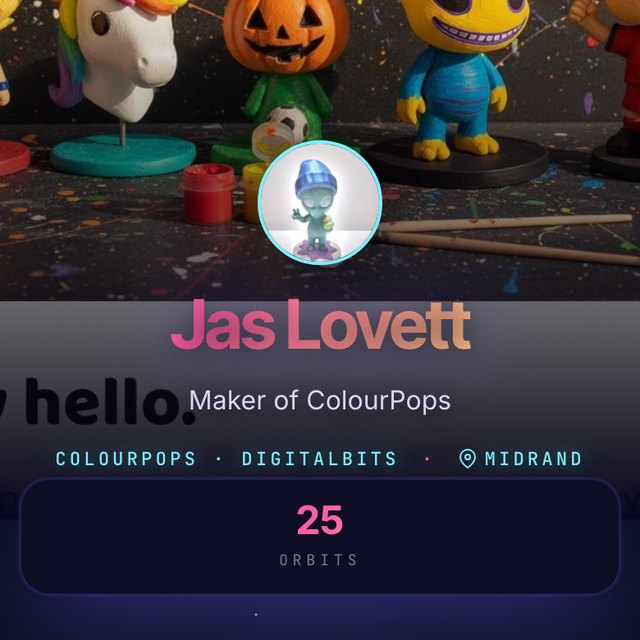 A business card
 Any link you choose
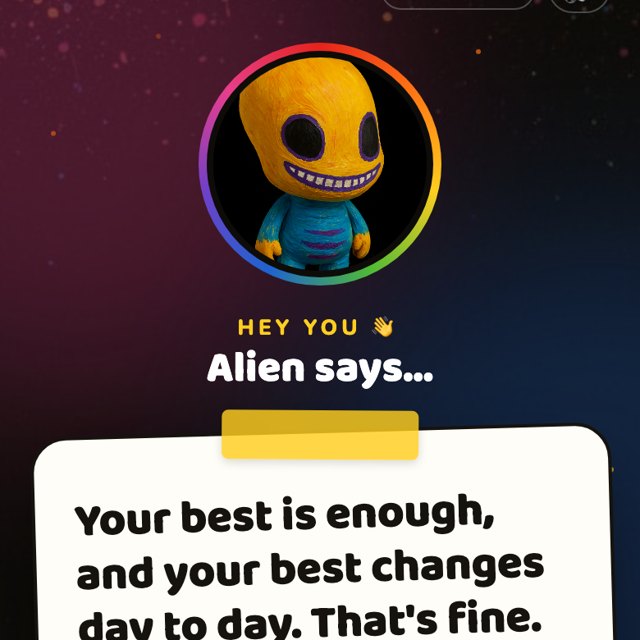 A pep talk every tap 💛
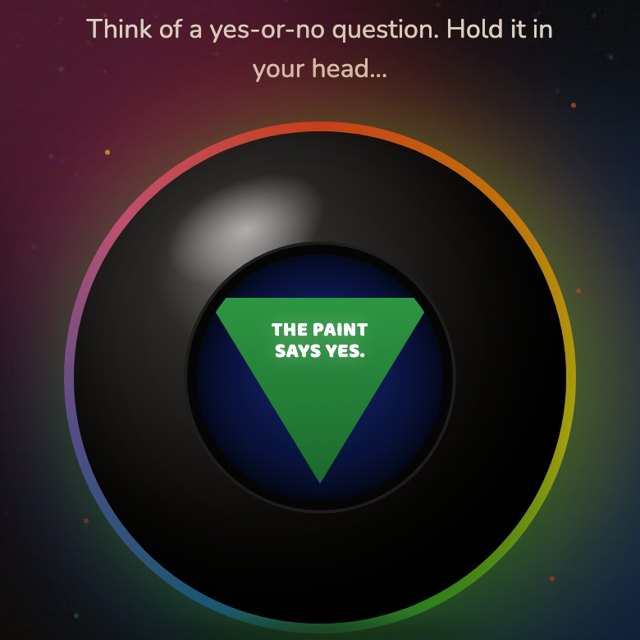 Ask the Pop 🔮
Almost certainly. Here's how to check.
The chip in the base is plain NFC, the same thing tap-to-pay uses. If your phone can tap to pay, it can tap a Pop. Find your phone below.
Samsung Galaxy (A and S series)
Nearly every Galaxy sold here since 2020 has NFC: A15, A25, A35, A55, all S models. The A05 and A06 do not.
Pull down the quick panel and tap NFC, or Settings → Connections → NFC and contactless payments. Hold the Pop on the top half of the back.
iPhone
iPhone XS and newer, and SE 2020 and newer, read the chip with nothing to install. Older iPhones scan the card instead.
Nothing to switch on. Wake the screen and hold the base against the top edge of the back, near the camera. A banner appears, tap it.
Huawei
P, Mate and Nova phones have NFC. Most Y-series do not.
Settings → More connections → NFC → on. Hold the Pop on the upper back.
Xiaomi, Redmi, Poco
Redmi Note and Poco models sold as the NFC version have it, check the box. Xiaomi 11 and up all do.
Settings → Connection & sharing → NFC → on. The reader is near the camera.
Oppo, Realme
Reno and Find have NFC. Most A-series do not.
Settings → Connection & sharing → NFC → on. Reader in the upper back.
Vivo
V and X series have NFC. Most Y-series do not.
Settings → Other networks & connections → NFC → on.
Honor
Honor 90, 200, Magic have NFC. X-series mostly do not.
Settings → More connections → NFC → on.
Hisense, Nokia, Tecno, Itel, Mobicel
Most do not have NFC. A few Nokia G and Hisense Infinity models do, check Settings.
No NFC is fine: open your camera, scan the QR on the activation card, and follow it. Or type the card's code at colourpops.co.za/account.
Quick test: hold the Pop's base flat against the back of your phone with the screen on. Move it slowly from the top of the phone to the middle. It buzzes or a link pops up. Nothing after ten seconds? NFC is off, or that phone has none, and the card's QR does the same job.
No two come out the same.
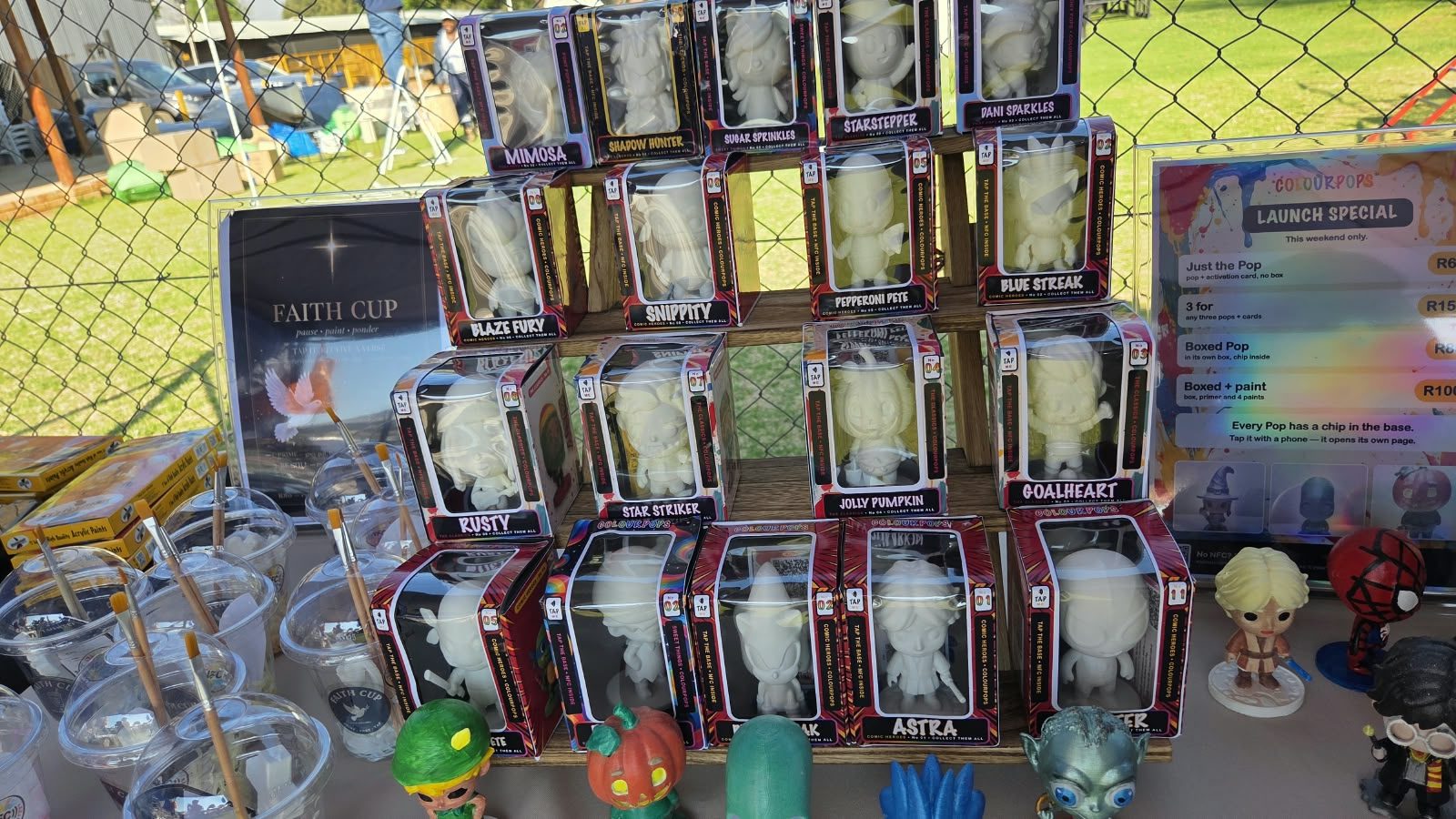

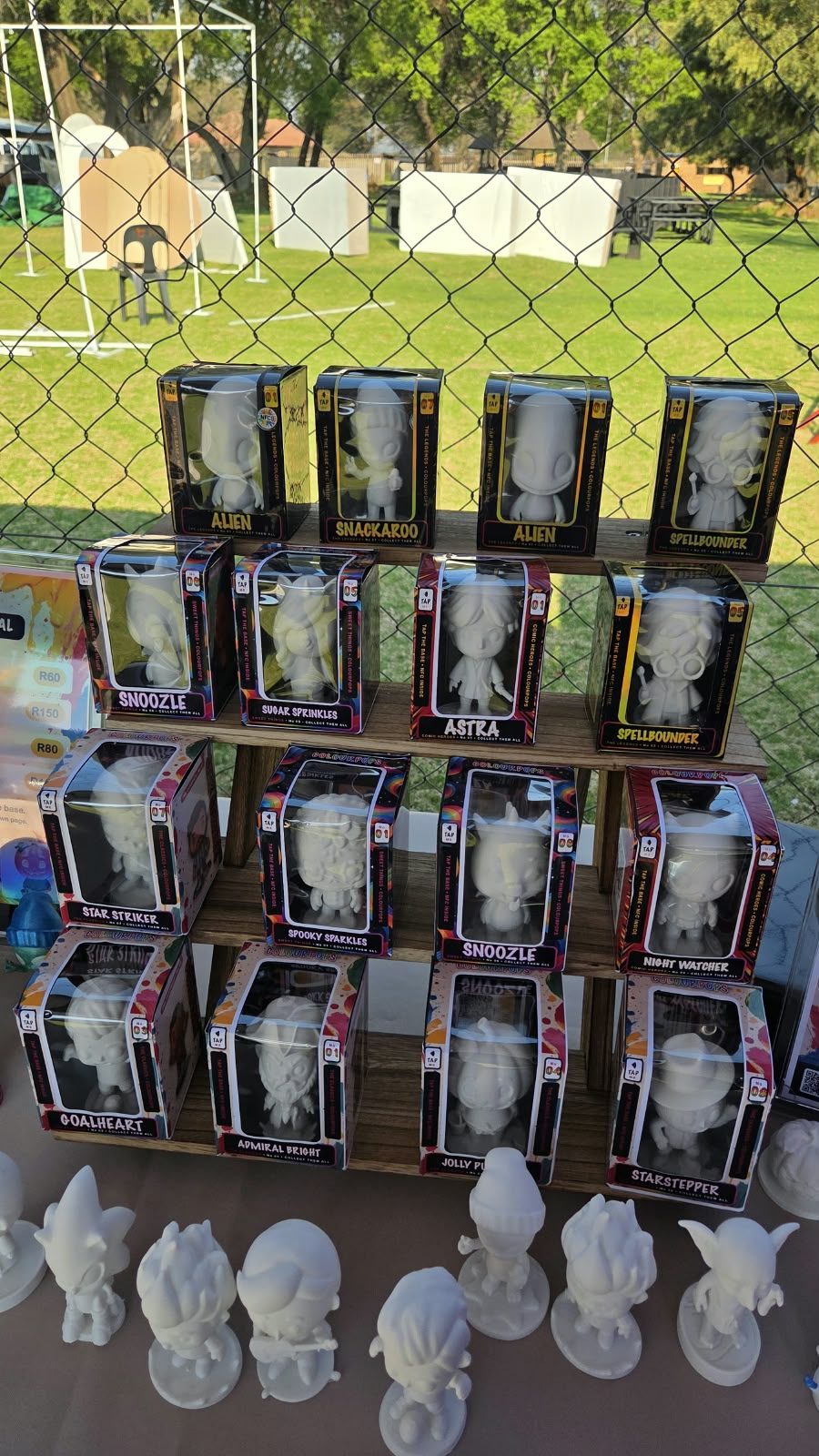

Right. Grab a brush.
PAINT IT. TAP IT. MAKE IT YOURS. · MADE IN SOUTH AFRICA
Keep us in your phone.
One button. Every detail saved to your contacts — no typing, no app.
Save to contacts- 061 546 3189
- Website
- colourpops.co.za
- @colourpopssa
- Where
- Made in South Africa